Hellasure (18+ Interactive Succubus Game)
HELLASURE - DEVLOG #3
HELLASURE - DEVLOG #3
1) FULLY INTERACTABLE MAIN MENU CHARACTER (Mira the Succubus)
What you are about to see is exclusive to the main menu.
a) Background Animation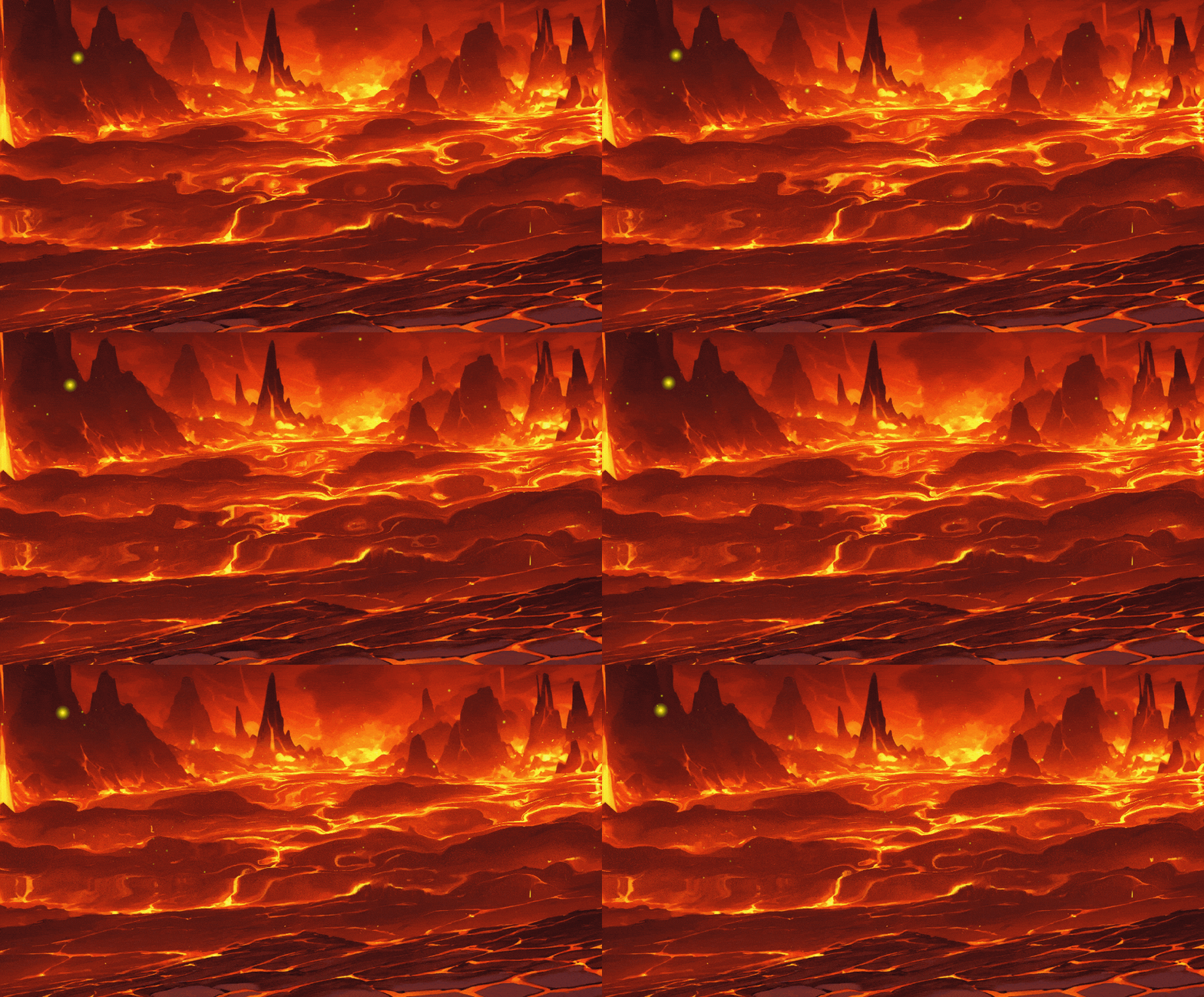
I created the background animation directly from within the game engine using shaders. Custom shader code was written. I'm moving the lava in an infinite loop along both the X and Y axes. I'm also moving it slowly to give it a sense of weight.
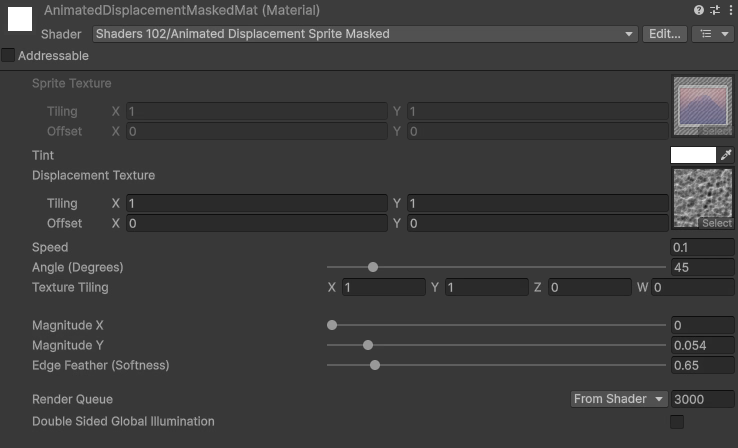
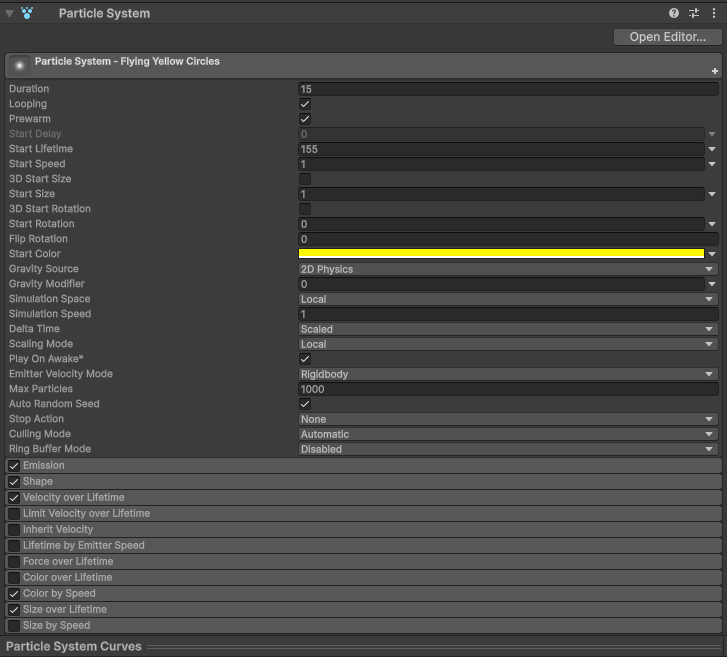
For particle effects, I used Unity's default Particle System and adjusted some settings to achieve its current appearance.
a) Eye Tracking
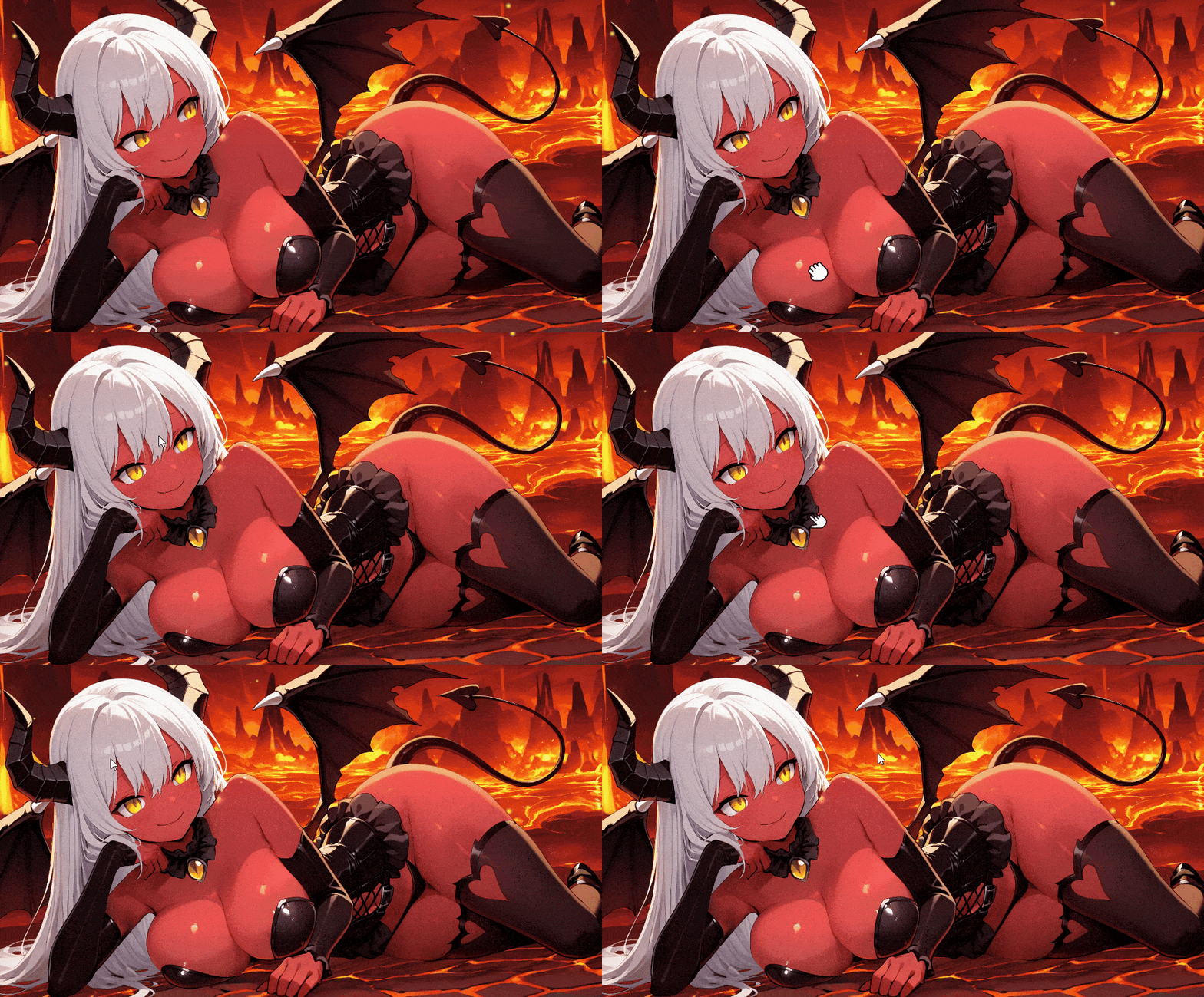
Wherever you move your mouse, Mira's eyes will look in that direction.

I also added smooth motion to the character, again so that it moves minimally in the direction of your mouse cursor.

b) Lip Sync

Years ago, I tried lip syncing self-taught in Adobe Animate. It wasn't very good, but it was a try. Now, for the first time, I've decided to try lip syncing in a game engine. I was pushing the limits of my personal skills in the game Hellasure.
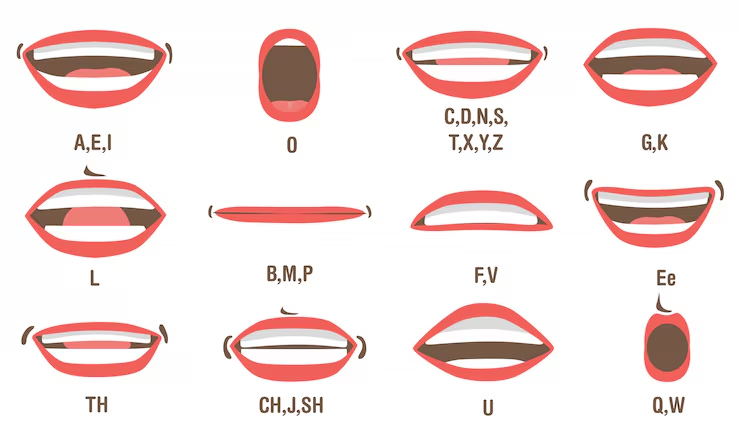
First, many different mouth shapes had to be drawn for this. I used references.
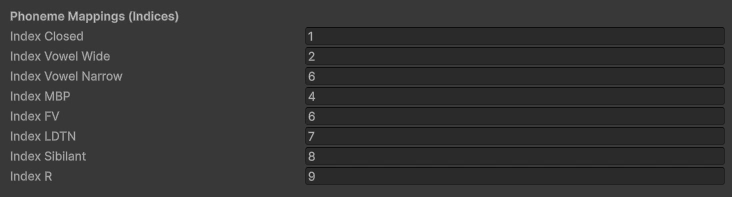
I defined 8 basic mouth shapes to use throughout the game engine. And I added a few extra "smiling" mouth shapes.
Interestingly, what I did turned out to be more "interesting" than just the (simple opening to closing mouth when talking) animation found in old anime series.
---
To enable lip sync while the animation was running in a seamless loop, I needed to override only the mouth area. I created Morph Control Parameters for this.

---
I had a big problem. While character animations were just short loops of a few seconds, was I supposed to duplicate hundreds of different voiceovers one by one, just for the mouth, and create a unique mouth animation for each voice?
NO! That would be a huge mistake.
I resorted to an incredible method to solve this.
A script that analyzes the audio being played and automatically generates a phoneme map!

The idea was great, but implementing it was incredibly difficult. This script went through a lot of testing because nothing was working correctly. Mouth shapes were changing incredibly fast (I solved this by restricting the FPS specifically for mouth movements). Breathing or even brief silences in the voiceovers also caused the mouth shape to change, so I added a "Silence Threshold" setting. I also added some "Smoothing" settings to smooth the transitions and a "Sensitivity" setting.
This way, I can use this script for my future characters by customizing it for them.
Lip sync was finally working as I wanted. But now I needed to solve another issue.
There were 2 cases:
1) The animation playing doesn't override the Mouth Shapes parameter.
2) The animation playing does override the Mouth Shapes parameter (this is the problem).
(Case 1)
If I didn't use this parameter in the animation and ran it externally with a script, there was no problem.
(Case 2)
However, in some of my animations (interactive in-game H-scenes), I needed to change the shape of the mouth even when the character wasn't speaking (case 2). I had to handle this case specifically. I made sure that the external script (the playing voice sound) overrides the mouth shape within the animation, regardless of what is set in the animation.
c) Stripping Mira's Clothes
To do this, first of all...
Mira was drawn in both clothed and nude versions.
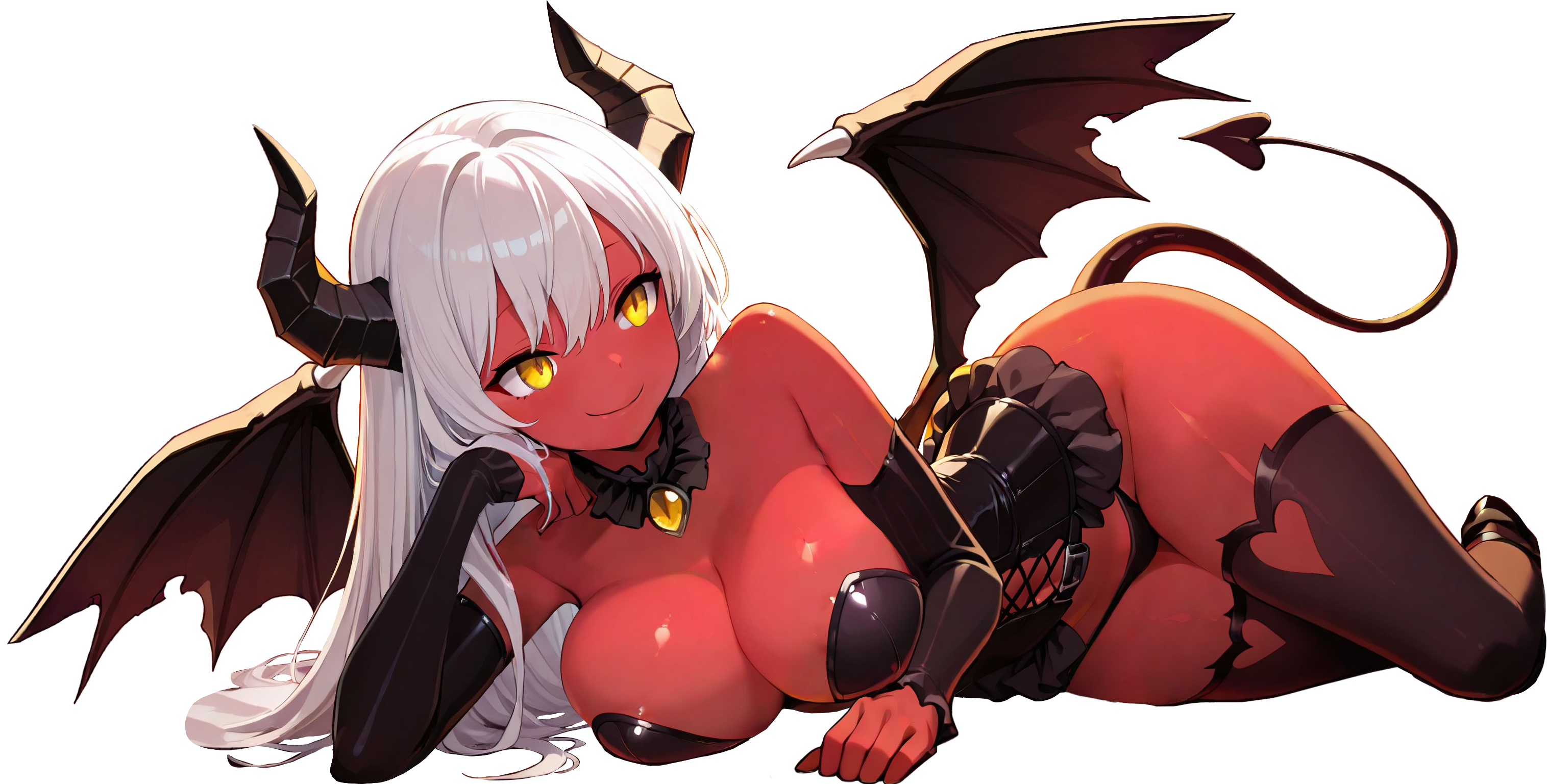
(Clothed Version)
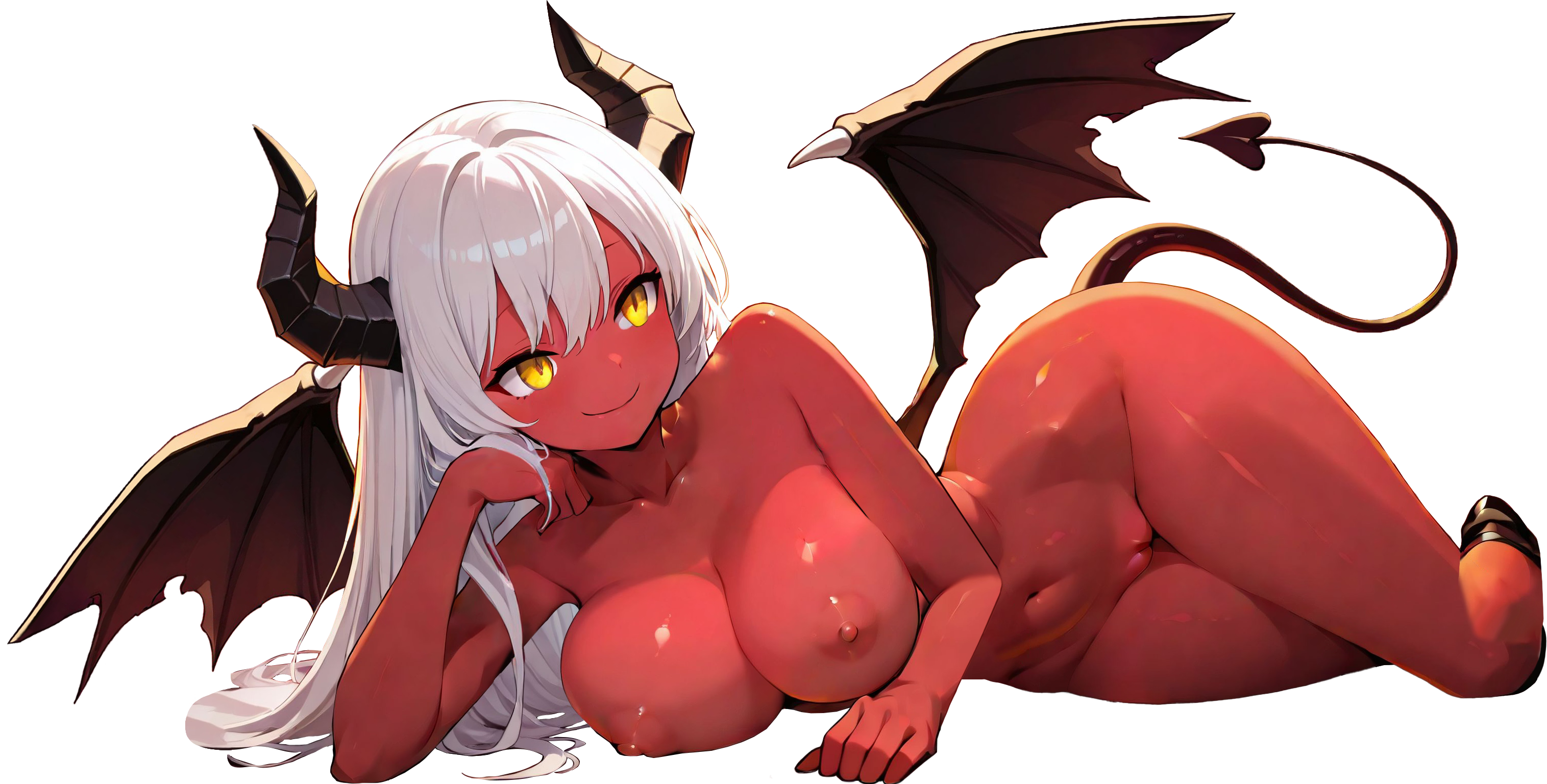
(Nude Version)
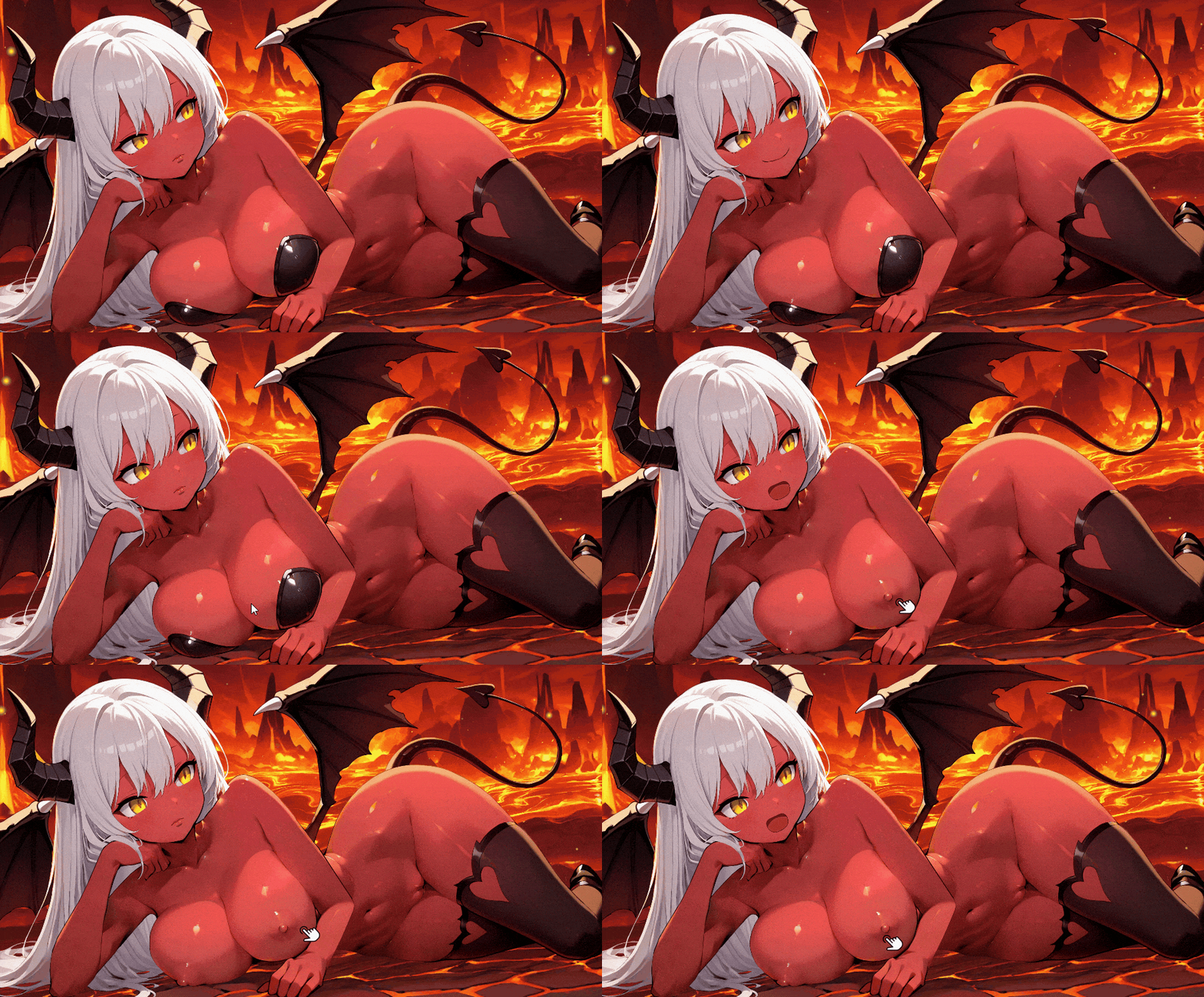
Of course, you'll also need to divide it into millions of layers. I'll explain that in another devlog, in the "Creating the Animations" section. For now, let's focus on the character stripping part. Instead of using UI buttons on the right or left, I enabled direct clicking on the character to remove the clicked object. Collider (green lines as visual preview) has been added to each piece of clothing.
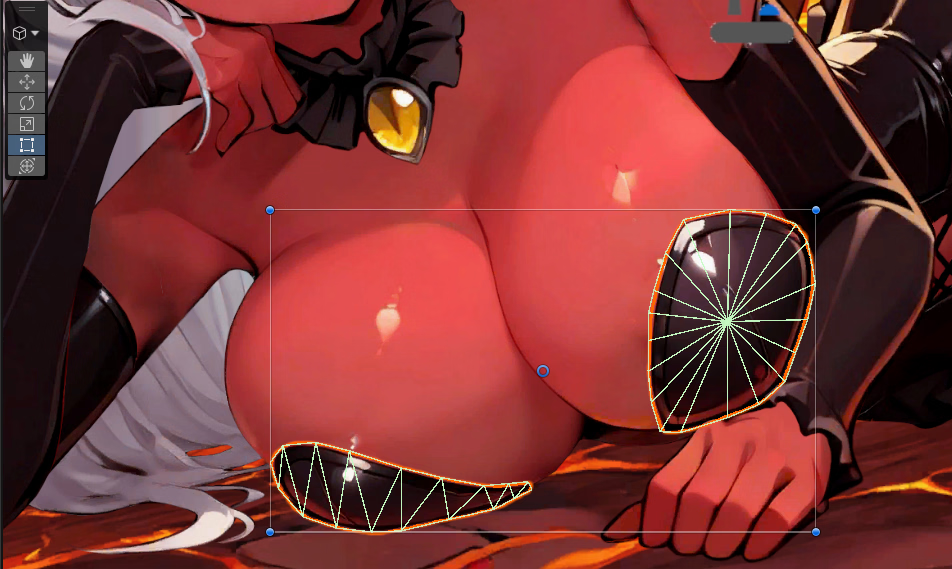
It is necessary for detecting mouse clicks.
But after clicking, we need to give a command.
Separate parameters were set for each piece of clothing.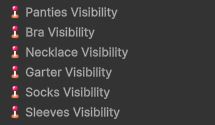
These are "float" parameters. It ranges between 0 and 1 (0 means visibility is off, and 1 means visibility is on).
I keep it on by default. The reason we use Float instead of Integer is to create a "fade" effect when switching between values. This way, instead of disappearing instantly upon clicking, it slowly fades away or reappears.
Necklace Interaction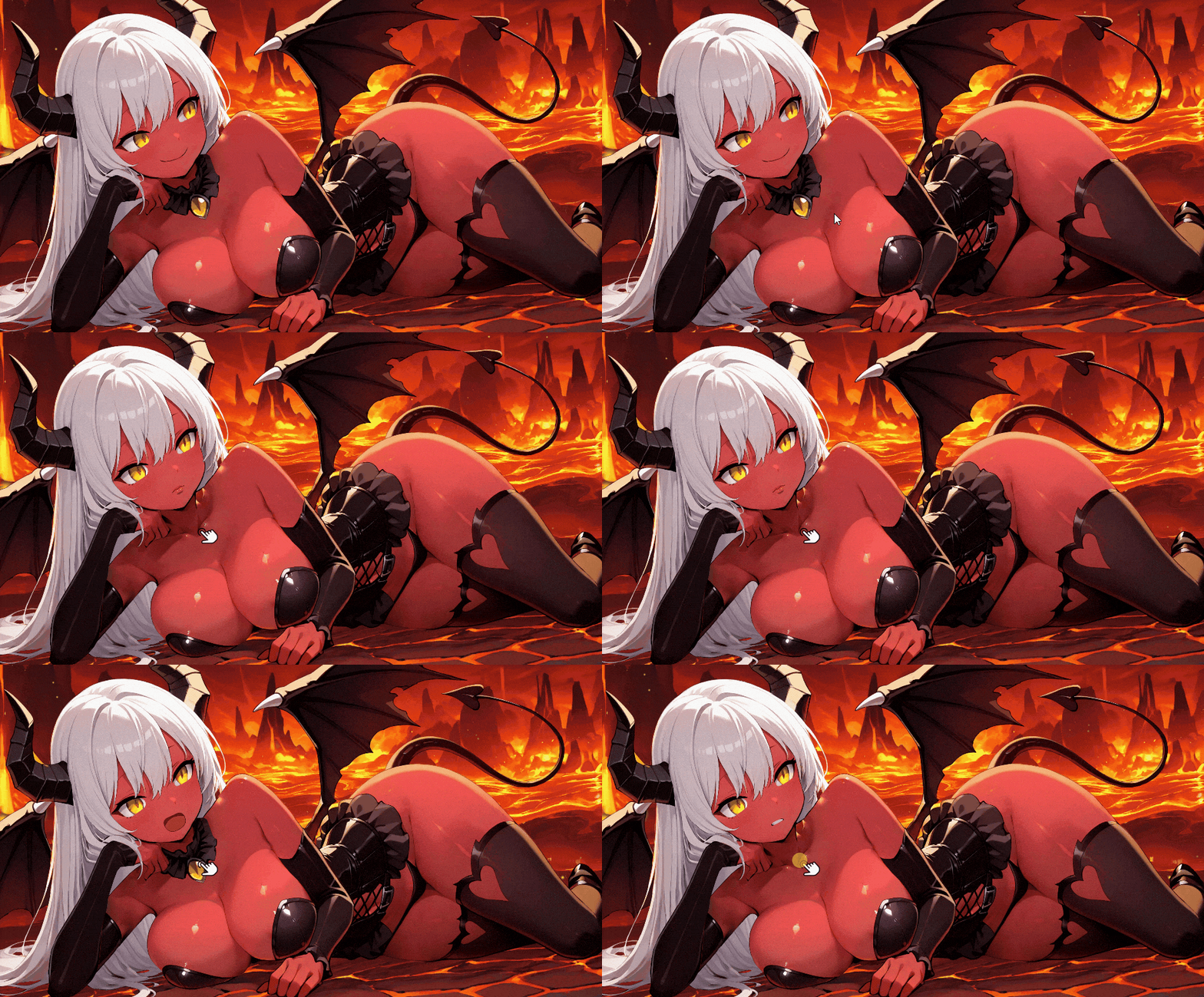
Sleeves Interaction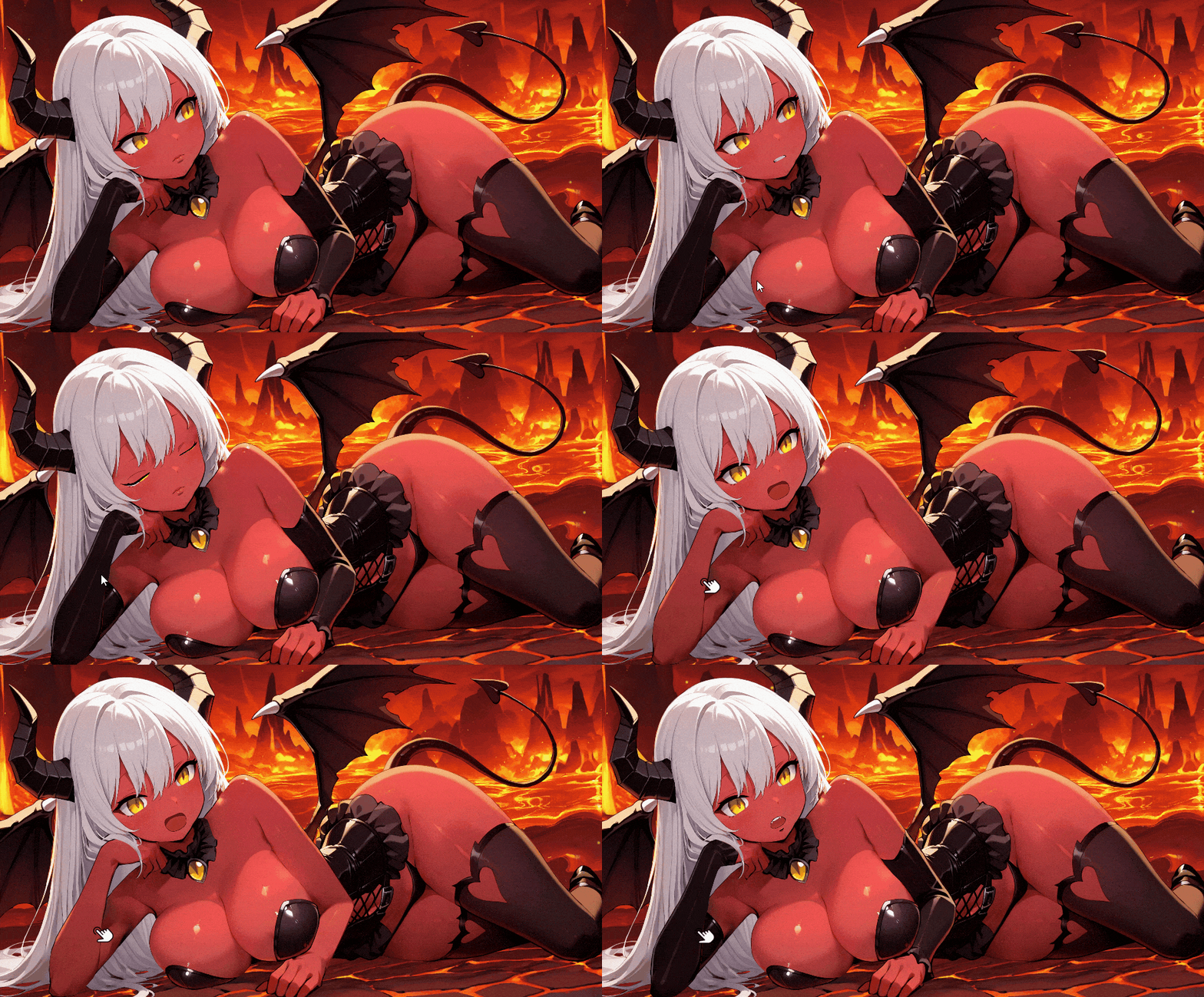
(I noticed a small graphical error while recording this. I'll fix it.)
Garter Interaction
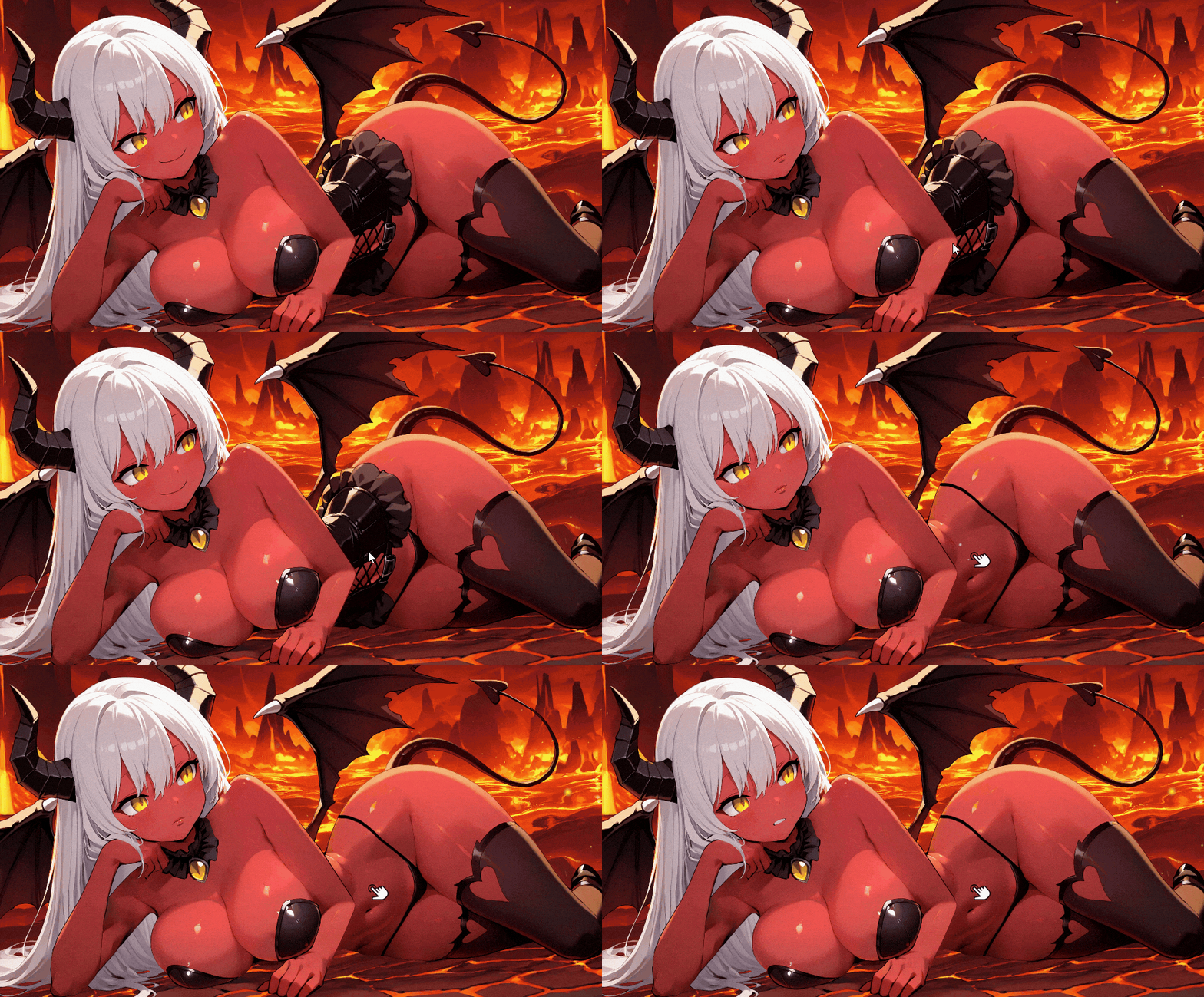
Panties Interaction
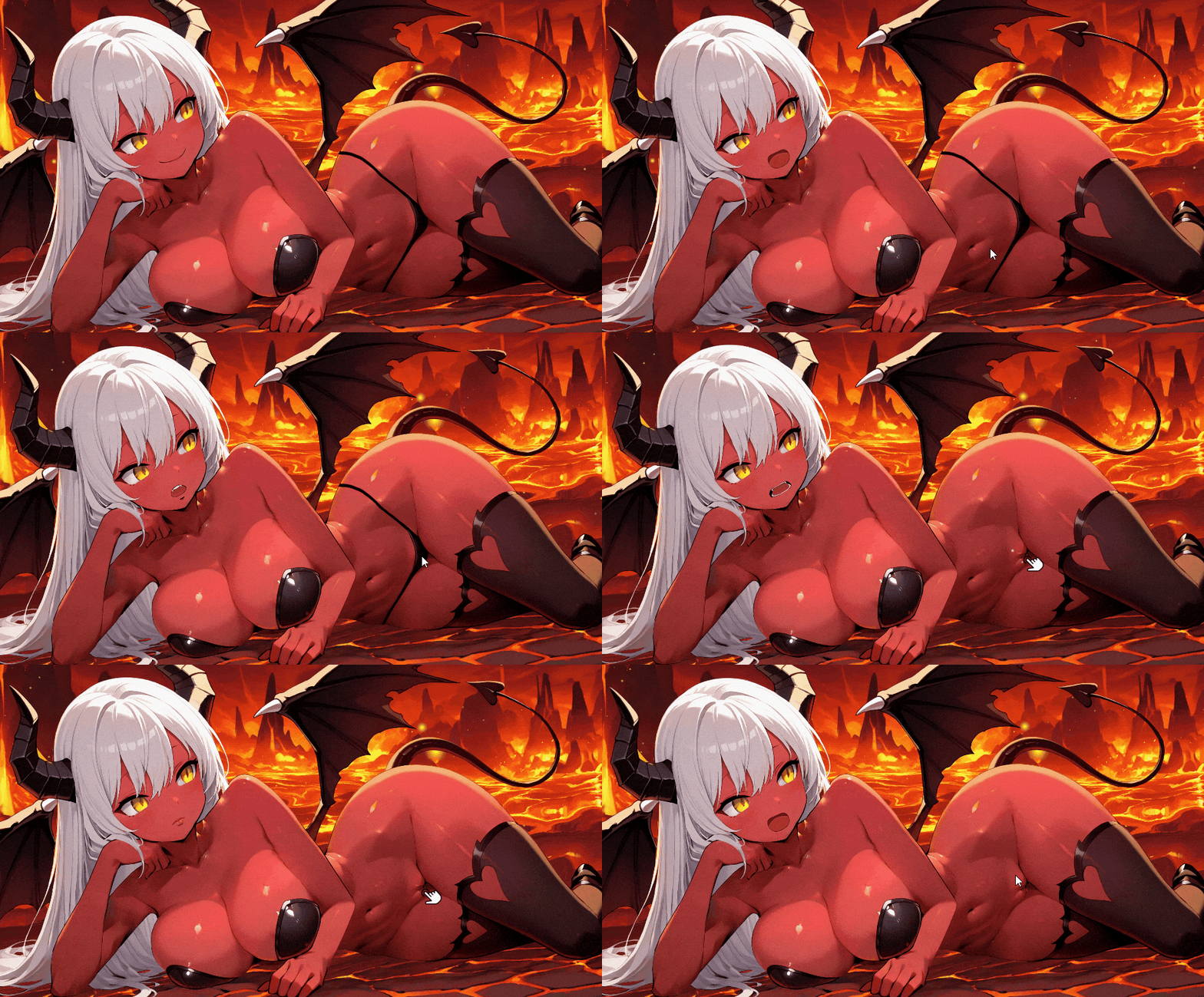
Bra Interaction
Socks Interaction
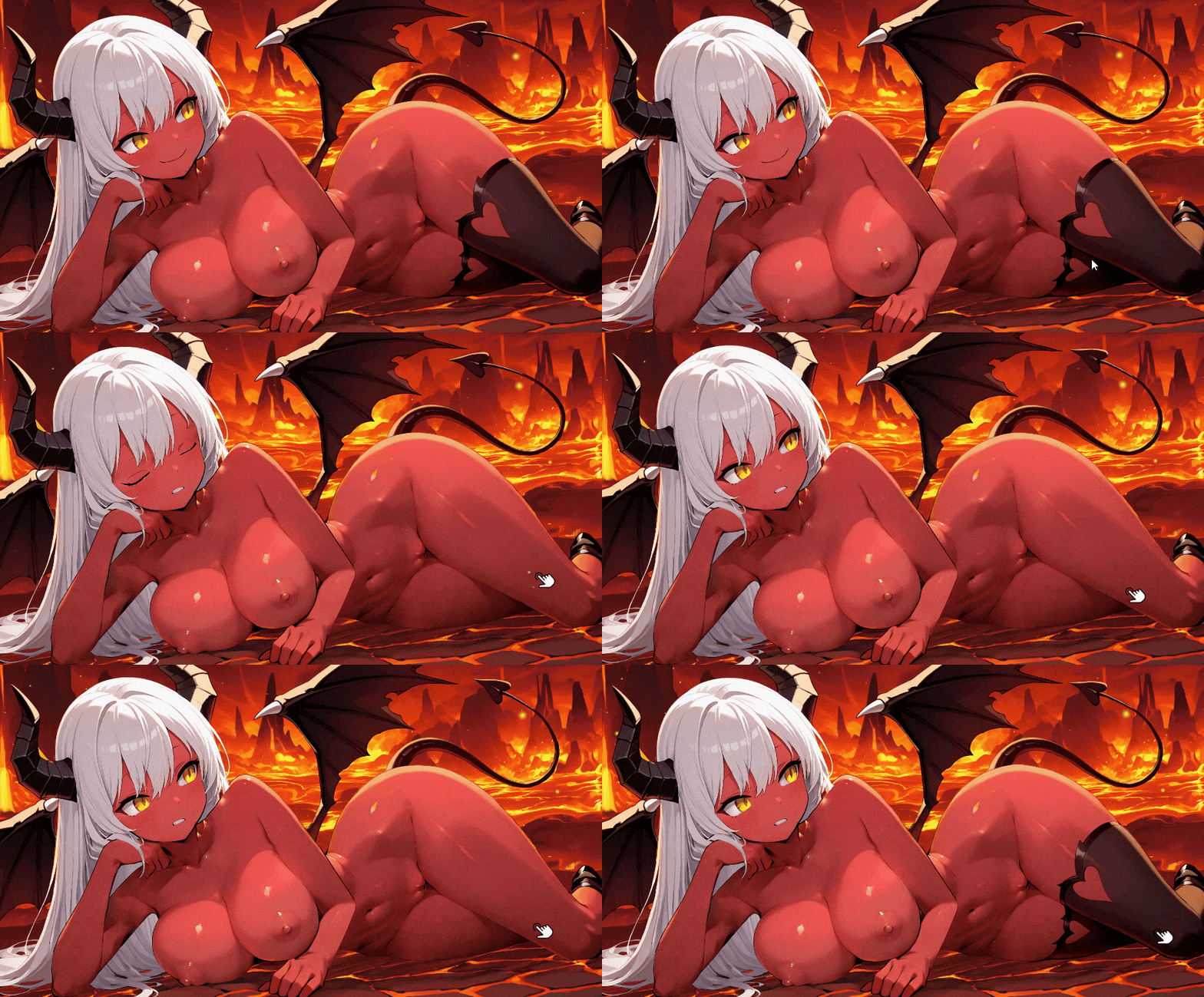
The main menu has hundreds of different voices. Mira says something to you with every interaction. Even if you don't engage with her or click, she'll tell you things about hell. You can even get information about the lore. Sometimes she breaks the fourth wall. Sometimes she gives you advice.
I placed so much emphasis on interaction when designing the main menu that even just browsing the main menu without logging into Patreon (i.e., without pressing the play button) will provide players with an enjoyable experience as Mira chats with them.
--
End of the devlog #3! I hope you enjoyed reading it.
To stay updated, here's the Patreon link!
See you in the next devlog!
Leave a comment
Log in with itch.io to leave a comment.